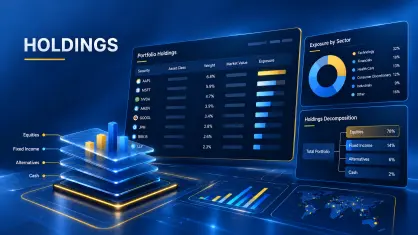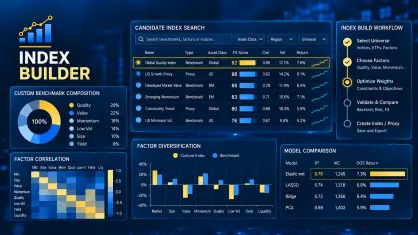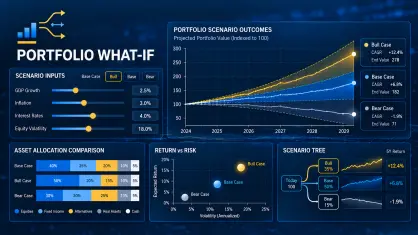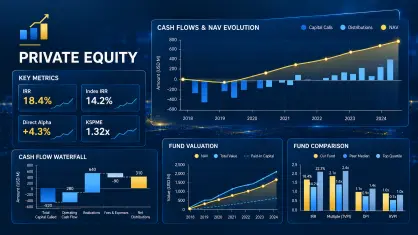
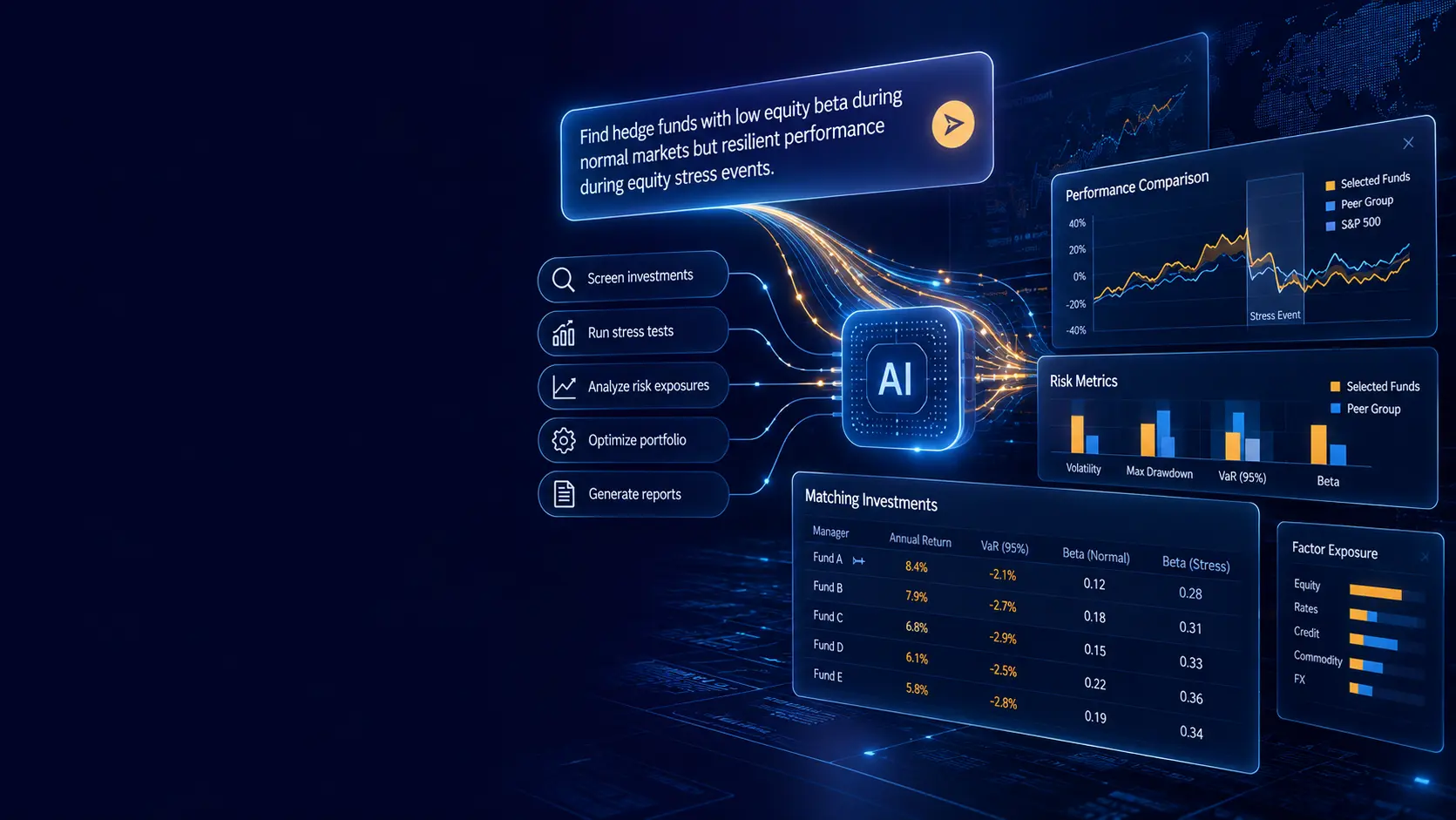

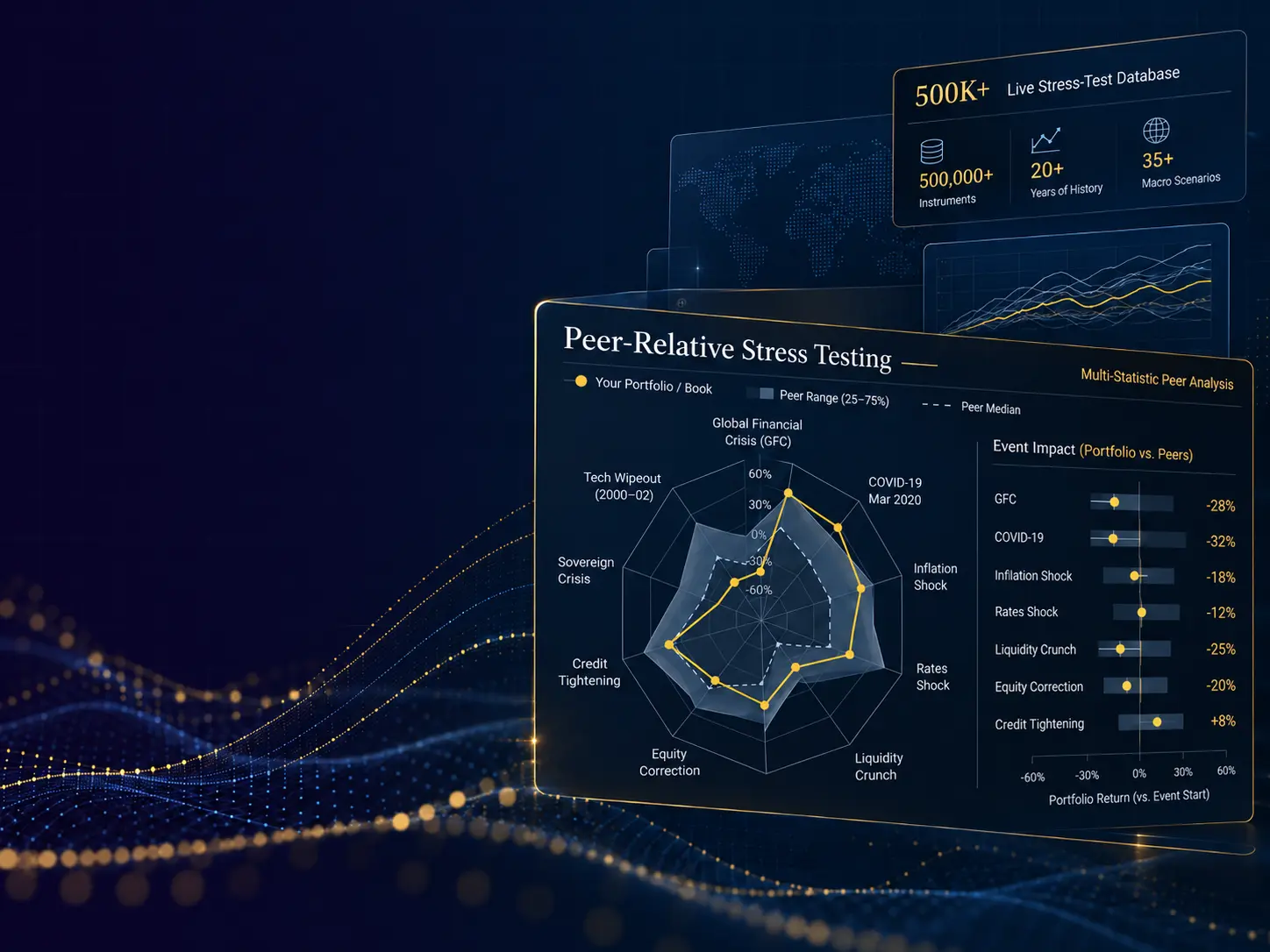
Portfolio What-If Analysis, a part of the Risk Shell Portfolio suite, allows portfolio managers to create and compare hypothetical portfolios directly from an existing investment portfolio. Holdings can be added or removed, allocations increased or reduced, and multiple portfolio candidates tested without rebuilding the portfolio or repeating the analytical setup.
This is designed for a routine portfolio-management task: testing many possible allocation changes before making an investment decision. Risk Shell recalculates portfolio risk statistics, factor exposures, correlations and diversification measures for each candidate, allowing several alternative portfolios to be created and compared within seconds.
From Portfolio Idea to Comparison in Seconds
1. Start With the Current Portfolio
Use an existing investment portfolio as the starting point for the analysis (portfolio baseline).
2. Adjust Holdings
Add or remove investments, close positions, or increase and reduce individual allocations. Compare the modified portfolio against the baseline on-the-fly.
3. Create Portfolio Candidates
Save multiple hypothetical portfolios representing alternative allocation decisions.
4. Compare the Results
Compare multiple portfolio candidates using Risk Shell risk, factor, correlation, diversification and peer-analysis tools.
What You Can Test
- Portfolio risk statistics: compare hypothetical portfolios across the Risk Shell risk and return statistics available for the selected asset universe.
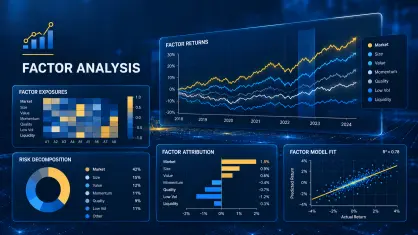
- Factor exposures: determine how proposed allocation changes alter portfolio sensitivities to market and macroeconomic factors.
- Correlation and diversification: compare portfolio diversification effect ratios before and after changing portfolio constituents or weights.
- Peer Group Analysis: compare several hypothetical portfolios, the current portfolio and other instruments against a peer group.
- Individual portfolio constituents: identify holdings that affect portfolio risk, diversification or factor exposure.
- On-the-fly comparison: compare a modified portfolio instantly with a saved baseline — no need to save each hypothetical version before analyzing the impact of allocation changes.
- Alternative allocation ideas: retain several portfolio candidates and move between them without recreating each analysis from the beginning.
Speed-up Routine Portfolio Decisions
Risk Shell What-if component simplifies a time-consuming process of testing and rfeviewing multiple hypothetical portfolios before changing an actual allocation. Assets may be added or removed, while existing allocations are increased or reduced to assess the effect on portfolio risk, factor exposure, correlation and diversification.
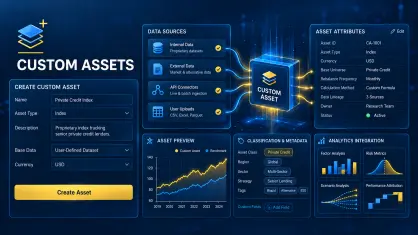
Save the existing portfolio as a baseline, then compare a modified portfolio candidate against it on the fly — in just two clicks.A modified portfolio can be compared instantly with the saved baseline portfolio without first saving the new version. Hypothetical portfolios are saved for further analysis and become available in Risk Shell as custom instruments. They can therefore be used with the same portfolio, factor, correlation, diversification and peer-analysis tools as other supported assets.